Updating TutorPip
Until TutorPip is on Google Play, new versions come from our website. The app tells you when there's one and does the download for you: it takes about a minute.
Open TutorPip
When there's a new version, TutorPip shows “A new version of TutorPip is ready” (and a red number on the 🔔 bell). Tap Update now. The app downloads the new version itself; keep TutorPip open until it's done.
Allow TutorPip to install updates (only the first time)
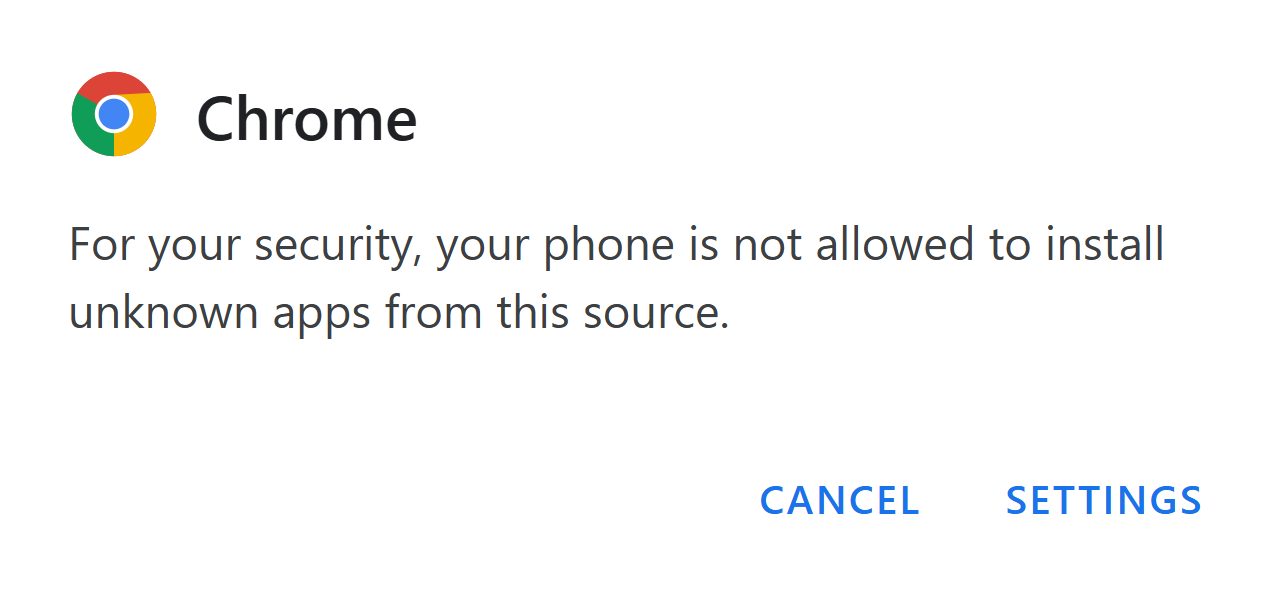
Android may say “For your security, your phone is not allowed to install unknown apps from this source”. Tap Settings, switch on Allow from this source, then tap back.
Tap Update
Android asks “Do you want to install an update to this existing application?” Tap Update (or Install). If Play Protect asks, tap More details → Install anyway, like when you first installed it.
Open TutorPip again
That's it: your learners, lessons, report cards and pocket money are all still there. Nothing is deleted when you update.
Questions
Can TutorPip update itself without asking?
Not yet. Android only lets the Play Store update apps silently. Until TutorPip is on Google Play, Android asks you to tap Update once for each new version. Small fixes reach you automatically when you open the app; you only see “Update now” for bigger changes.
Do I have to delete the old app first?
No. The update replaces the old version and keeps everything. One exception: if you installed the very first beta (before November 2026), uninstall that one once, then install from the download page; sign in and your learners come back from your backup.
“App not installed” or “package conflicts”
This happens if your TutorPip came from the first beta. Uninstall it (press and hold the icon → Uninstall), then install from the download page and sign in again.
The update button doesn't work
Download it from the website instead: TutorPip-2.3.1-beta.apk, then open the file and tap Update.
What if I don't update?
You can keep going for a while, but some updates are needed to keep TutorPip working. Then the app asks you to update before you continue.